Edit your website with an AI assistant
You can now connect an AI assistant, such as Claude, to your websites in Usecue CMS. Instead of clicking through the CMS, you just ask: ‘add a post about our new opening hours’ or ‘replace the team photo on the about page’. The assistant reads your website, makes the change and shows it to you. You keep the final say. We wrote about how that works in practice in Publishing with Claude.
Ask for a change, check it, and publish it with one click.
Connecting takes a minute
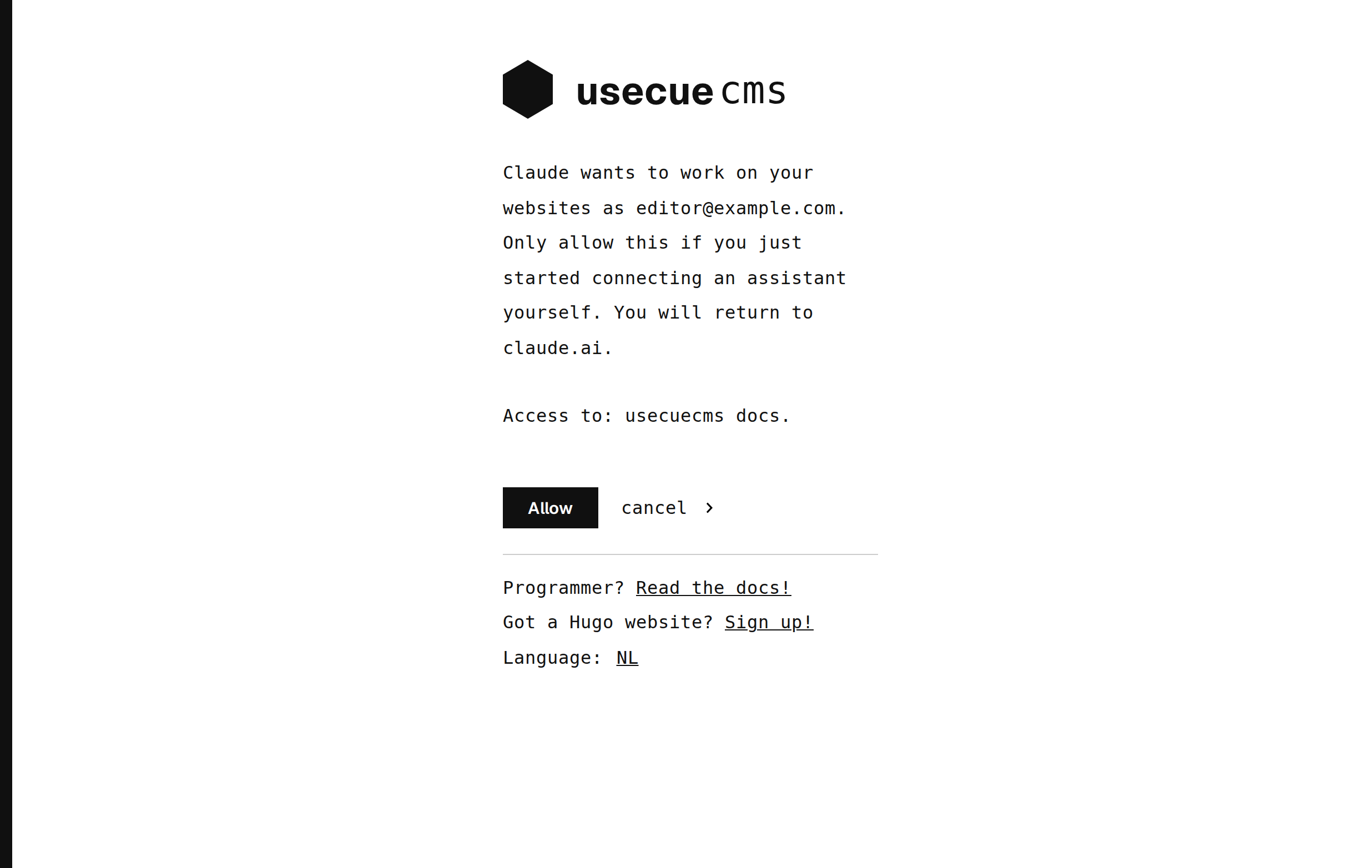
The assistant connects through MCP, an open standard that lets an AI assistant use tools. Under account, ‘AI assistants’, you find the address to add to your assistant, for example as a custom connector in claude.ai. Your assistant then opens the CMS, you log in as usual, with two-step verification, and you click ‘ Allow’. One connection covers all your websites, and you can disconnect it at any moment. The manual has the details.
What it can do
The assistant first looks at how your website is built: its languages, its shortcodes and the fields your pages use. It then writes in the same style as your existing pages. It can:
- read every file of your website, including the templates;
- write and delete pages, and write data files;
- upload images and PDF files, and rename or delete them, while updating the pages that use them;
- publish your changes, when you ask for it.
After every change it shows you what it did: a new page in full, a changed page with the additions in green and the removals in red.
Safe by design
An assistant should never be able to break your website. That is why it writes Markdown and data only: HTML, JavaScript and CSS are refused, and so are shortcodes your website does not have. Uploads are checked too, so an image or PDF cannot carry a script. Nothing goes live until it is published, every change is stored in Git, and every change can be undone. The assistant does the typing. You keep the final say.
Happy editing!