
Dashboard
On the image below you see the dashboard page.
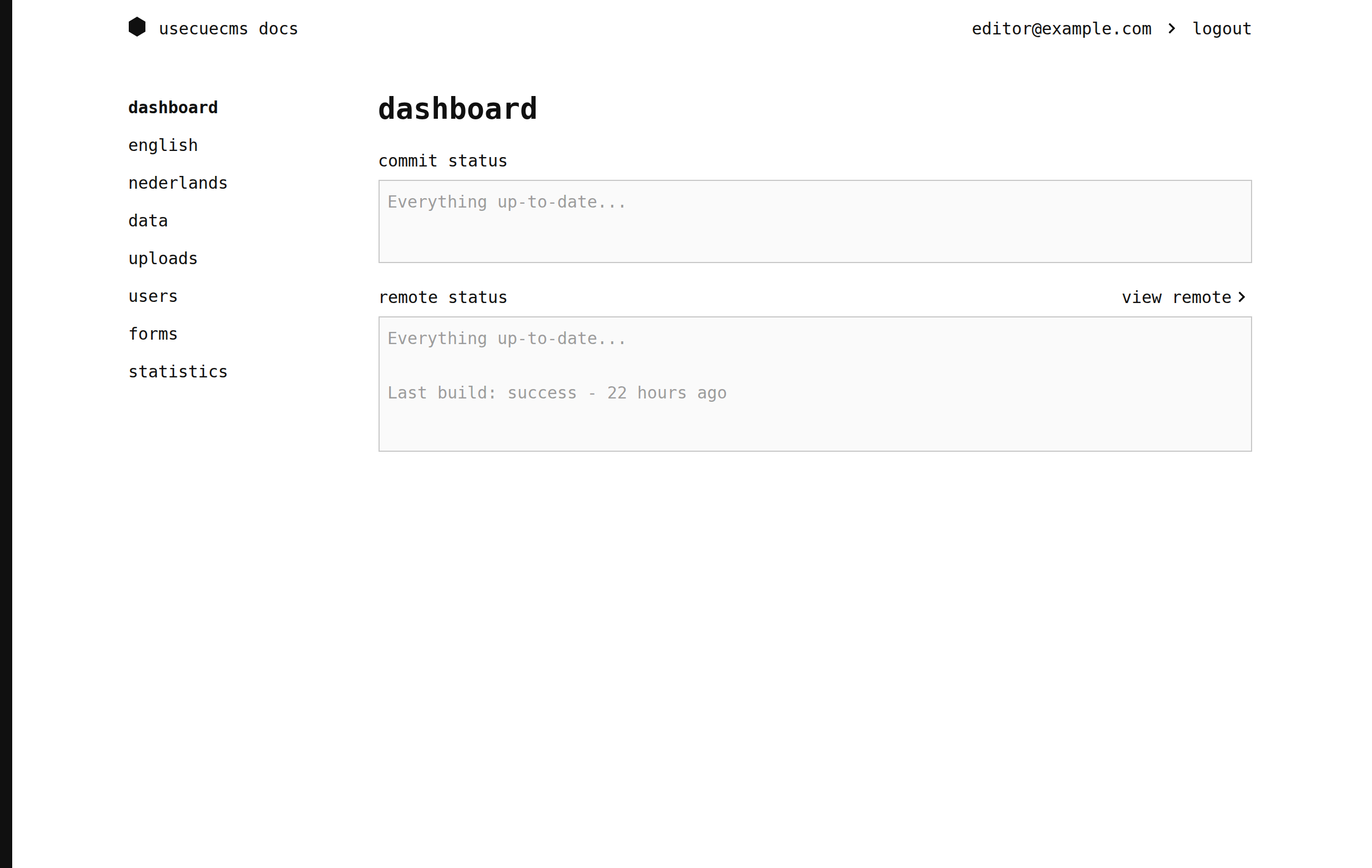
The dashboard shows you if you have made any changes. You can ‘commit’ these changes to make them final. A commit requires a ‘commit message’ describing what you changed. Once you committed your changes you need to ‘push to remote’ to actually publish them. What publication exactly means depends on your setup. In most websites it kicks off the deploy process that updates the live version of your website.
On the left side of the image above you see the menu. It contains a link to the dashboard, one to the content of every language your website has (here ’english’ and ’nederlands’), and links to data, uploads, users, forms and statistics.
