
AI assistants
You can connect an AI assistant, such as Claude, to your websites through MCP. It can read your website, write pages and data, upload images and publish. It writes Markdown only: HTML, JavaScript and CSS are refused.
Connect
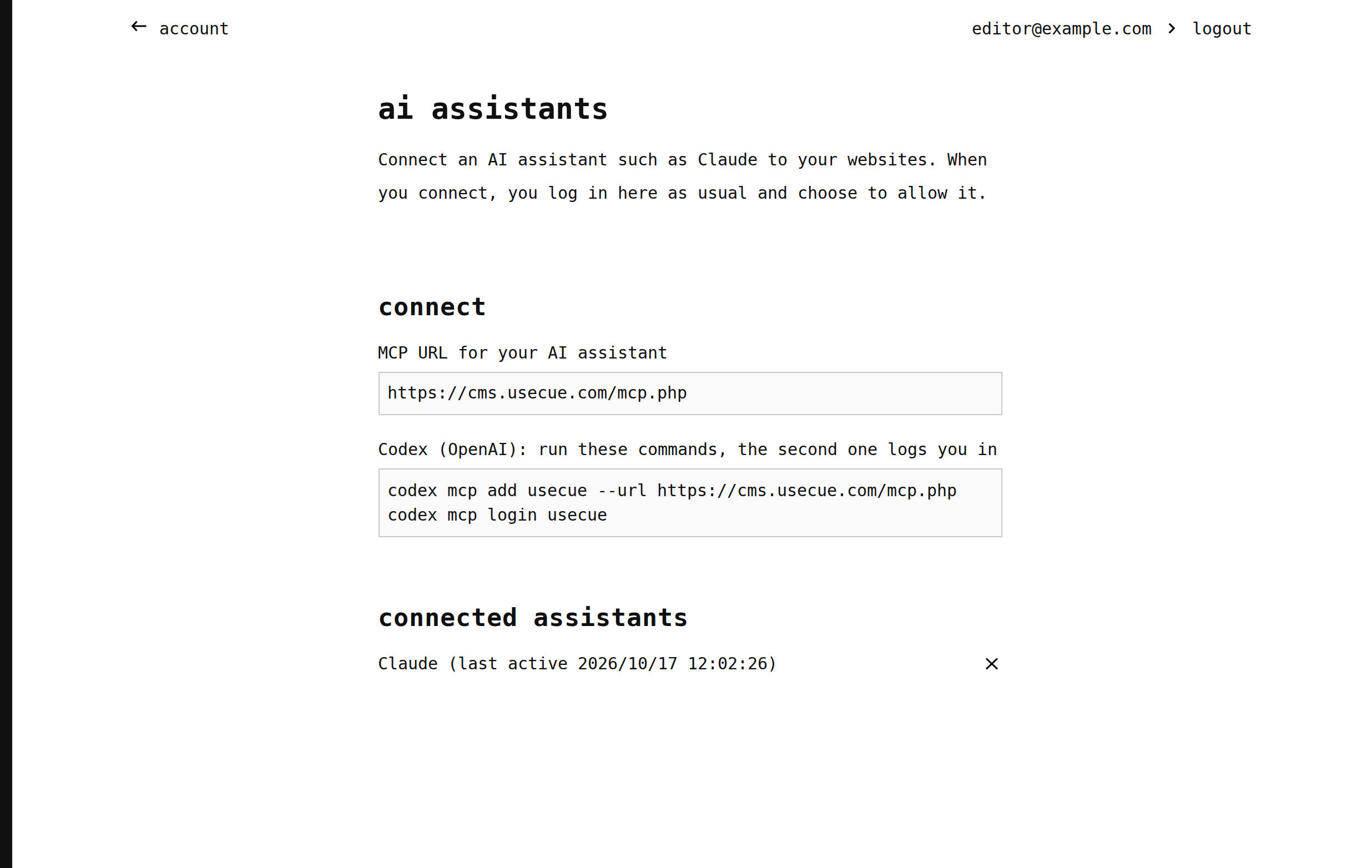
Add this MCP URL to your assistant:
https://cms.usecue.com/mcp.php
In claude.ai, for example, you add it as a custom connector. For Codex, run:
codex mcp add usecue --url https://cms.usecue.com/mcp.php
codex mcp login usecue
Your assistant then opens the CMS: log in as usual and click ‘Allow’. One connection covers all your websites.
Good to know
- Changes are not live until they are published: ask the assistant to publish, or publish them on the dashboard.
- To add images, ask the assistant for an upload link.
- You find the URL and your connected assistants under account, ‘AI assistants’. Disconnect an assistant there with the ✕.
